You can manage your domain on the SandBox Client Area. SandBox Client Area gives many features in the domain section, like Domain Registration, Renewal, and Transfer. In case of trouble or relative questing about domains open ticket.
Register New Domain
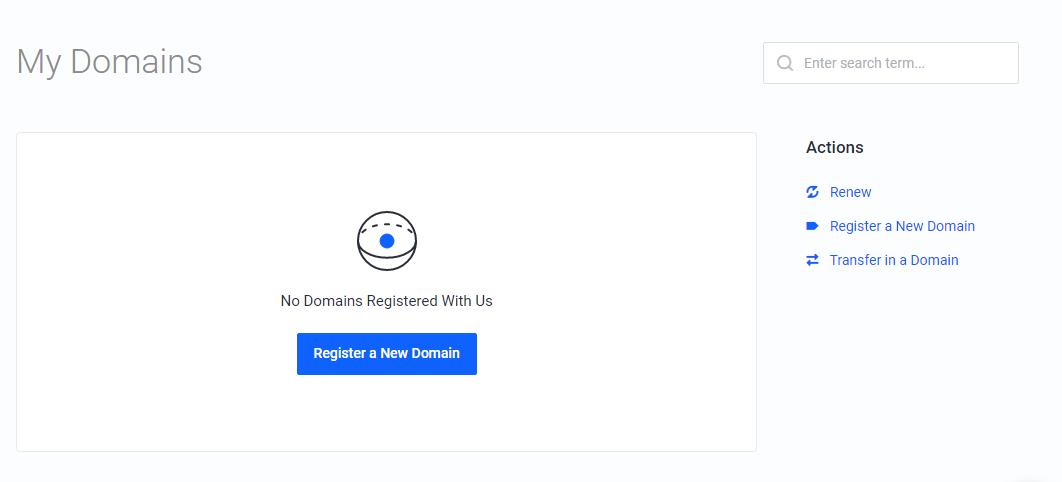
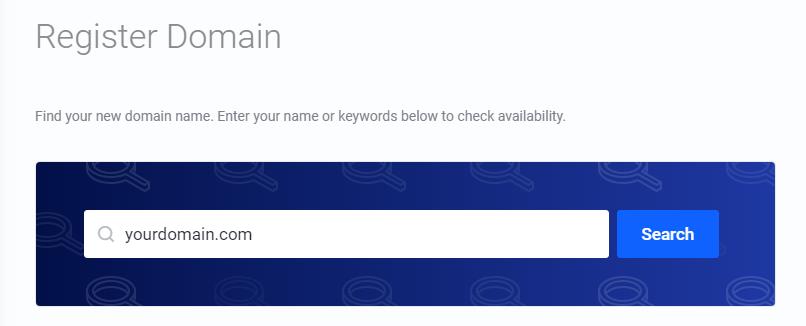
To register a new domain, go to My Domains on Client Panel and click Register a New Domain button. Find a new domain name by typing a domain or keyword in the search field.
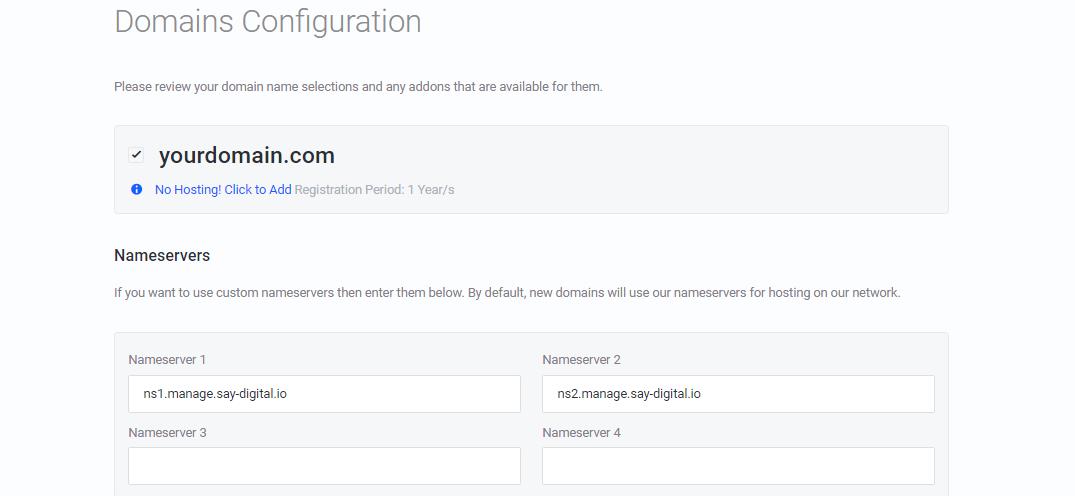
Once you have chosen your domain, configure NameServers and any Addons.
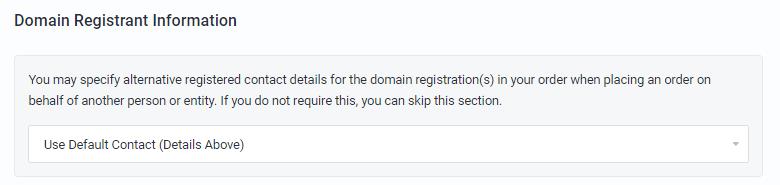
To configure Whois domain registrant information select your default contact or another.
Renew Domain
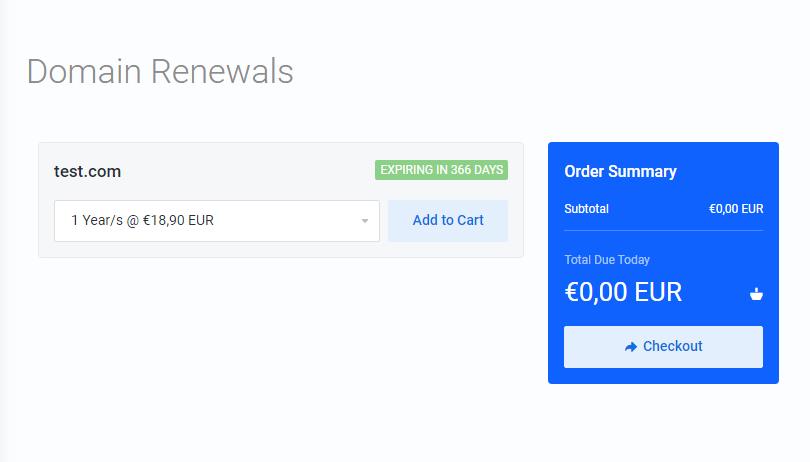
To renew your domain name go to Domains Renewals in Actions section and you will get a list with your domains that you can renew.
Transfer in
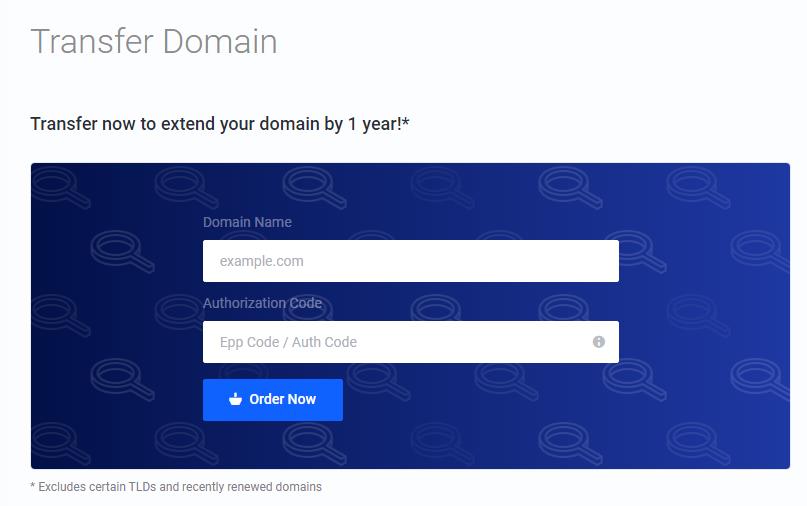
To transfer in a domain name go to Transfer in a Domain in the Actions section. After type your domain name and the Authorization Code or EPP for transfer.
Transfer Out
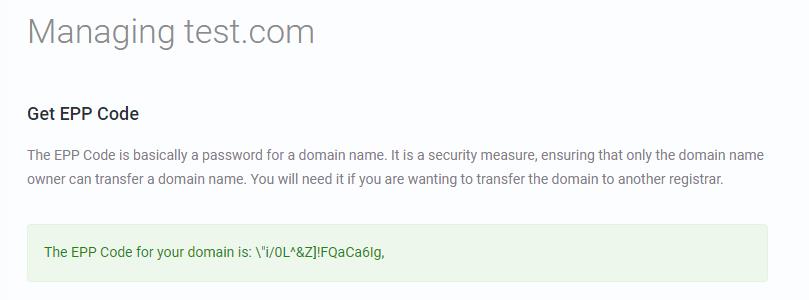
To transfer out your domain, go to the Manage Domain page. Go to the Manage section and click Get EPP Code button.
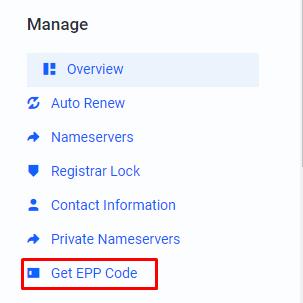
Copy your EPP Code and use it to transfer to another host.